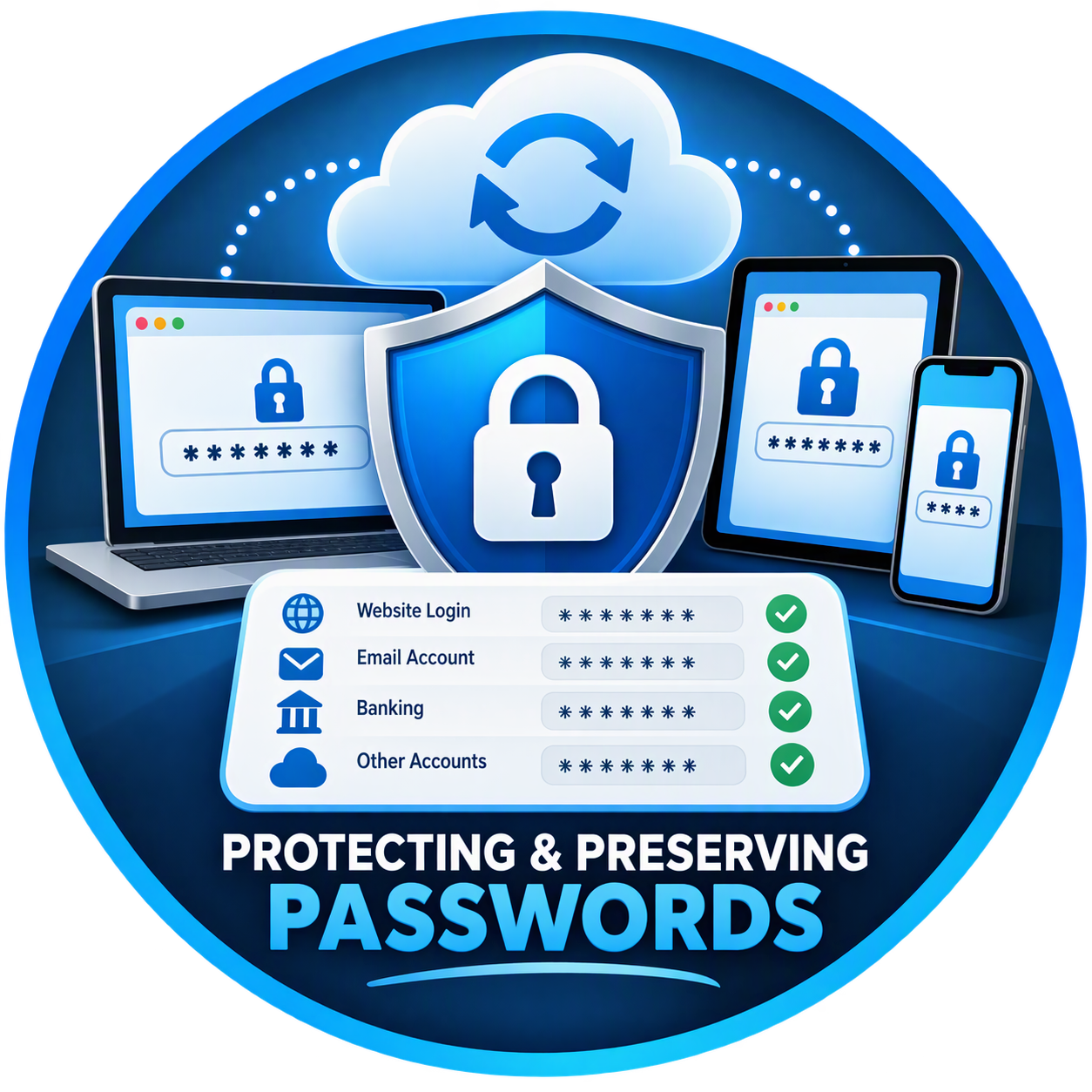
Are Your Passwords Really Being Saved?
One of the most common issues we encounter when helping clients is missing passwords. A user gets a new computer, replaces a hard drive, or accidentally signs out of their browser account, only to discover that years of saved usernames and passwords are gone.
In many cases, the passwords weren't actually stored on the computer. They were being synchronized through the user's browser account. Once that connection is broken, recovering those credentials can be difficult or impossible.
For individuals and businesses alike, staying signed in to your browser can be one of the simplest ways to protect access to your online accounts.
How Modern Browsers Save Passwords
Most modern browsers, including:
Microsoft Edge
Google Chrome
Mozilla Firefox
offer built-in password managers.
When you save a password, the browser can store it in one of two ways:
Local Storage
Passwords are stored only on the device.
While convenient, there are risks:
Computer failure
Hard drive corruption
Windows profile issues
Device replacement
If something happens to the computer, those passwords may be lost forever.
Cloud Synchronization
When signed into your browser account, passwords are securely synchronized to the cloud.
Examples include:
Microsoft Account for Edge
Google Account for Chrome
Firefox Account for Firefox
This means your passwords are available across multiple devices and can be restored if your computer is replaced.
Why Staying Signed In Matters
When users stay signed into their browser account, several important benefits occur automatically.
Password Synchronization
Your browser securely backs up:
Usernames
Passwords
Favorites
Browser history
Saved addresses
Payment information
If you purchase a new computer, simply signing into your account restores most of your settings.
Protection Against Device Failure
Computers eventually fail.
Hard drives die.
Windows profiles become corrupted.
Accidental deletions happen.
If your browser is synchronizing data to the cloud, your saved passwords remain accessible even if the device does not.
Easy Device Replacement
Many users are surprised how quickly they can set up a replacement computer.
Instead of manually recreating:
Passwords
Favorites
Browser settings
the information automatically reappears after signing in.
Microsoft Edge Users: A Real-World Example
We frequently encounter situations where a user believes Edge is saving passwords locally.
In reality:
Edge Password Sync was disabled.
The user was signed out.
The Microsoft account was never connected.
Years later, when the computer experiences problems, there's no backup available.
When Password Sync is enabled through a Microsoft account, credentials can often be restored simply by signing back into Edge.
The Risks of Staying Signed Out
Users who never sign into their browser account may face:
Lost Passwords
If a computer fails, saved credentials may disappear permanently.
Missing Bookmarks
Essential bookmarks and favorites may be lost during a migration.
Duplicate Account Problems
Many users accidentally create multiple Microsoft or Google accounts and save passwords under different profiles.
Time-Consuming Recovery Efforts
Recovering access to:
Banking websites
Utility accounts
Medical portals
Social media accounts
Email services
can be frustrating and time-consuming.
Security Concerns: Is Staying Signed In Safe?
Many people assume remaining signed in automatically creates a security risk.
In reality, staying signed in is generally safer when combined with proper security practices.
Best practices include:
✅ Multi-Factor Authentication (MFA)
✅ Strong device passwords
✅ Screen lock enabled
✅ BitLocker encryption
✅ Windows Hello
✅ Up-to-date operating systems
✅ Modern antivirus protection
When these safeguards are in place, cloud synchronization provides convenience without sacrificing security.
What Should Be Synced?
For most users, we recommend syncing:
Passwords
The most important setting to synchronize.
Favorites and Bookmarks
Preserves quick access to important websites.
Browser Settings
Maintains a consistent browsing experience.
Extensions
Allows approved browser add-ons to follow users between devices.
Special Considerations for Seniors
Many seniors rely heavily on browser-saved passwords.
Unfortunately, they may:
Forget account credentials
Lose documentation
Change devices infrequently
Have limited recovery options
We often recommend:
Staying signed into Microsoft Edge
Enabling password synchronization
Setting up recovery methods
Maintaining a secure password manager
These simple steps can prevent significant frustration later.
Signs Your Browser Isn't Backing Up Passwords
Check for these warning signs:
Password Sync is turned off
Browser displays "Not Syncing"
No Microsoft or Google account is connected
Passwords only exist on one device
Browser repeatedly requests sign-in
If any of these conditions exist, your saved credentials may not be protected.
How to Check Microsoft Edge Sync
Open Microsoft Edge.
Click your profile picture in the upper-right corner.
Select Manage Profile Settings.
Verify that you are signed into your Microsoft Account.
Click Sync.
Ensure Passwords is enabled.
If Password Sync is turned on, your credentials are being securely synchronized across your devices.
The Bottom Line
Saving passwords in your browser is convenient, but it's only part of the solution.
The real protection comes from staying signed into your browser account and allowing password synchronization to operate correctly. If your computer fails, is replaced, or needs to be rebuilt, synchronized credentials can save hours of frustration and prevent the permanent loss of important account information.
A few minutes spent verifying browser synchronization today can save countless hours of account recovery tomorrow.
Need Help Protecting Your Passwords?
Lake Conroe Managed Services helps individuals and businesses secure Microsoft Edge, Microsoft 365, Google accounts, and password management systems to ensure important credentials remain safe and accessible.
Schedule a Technology Health Check
We'll help you:
✅ Verify password synchronization
✅ Secure browser accounts
✅ Configure Multi-Factor Authentication
✅ Recover account access where possible
✅ Protect critical business and personal data
Contact Lake Conroe Managed Services today for a complimentary technology assessment.
