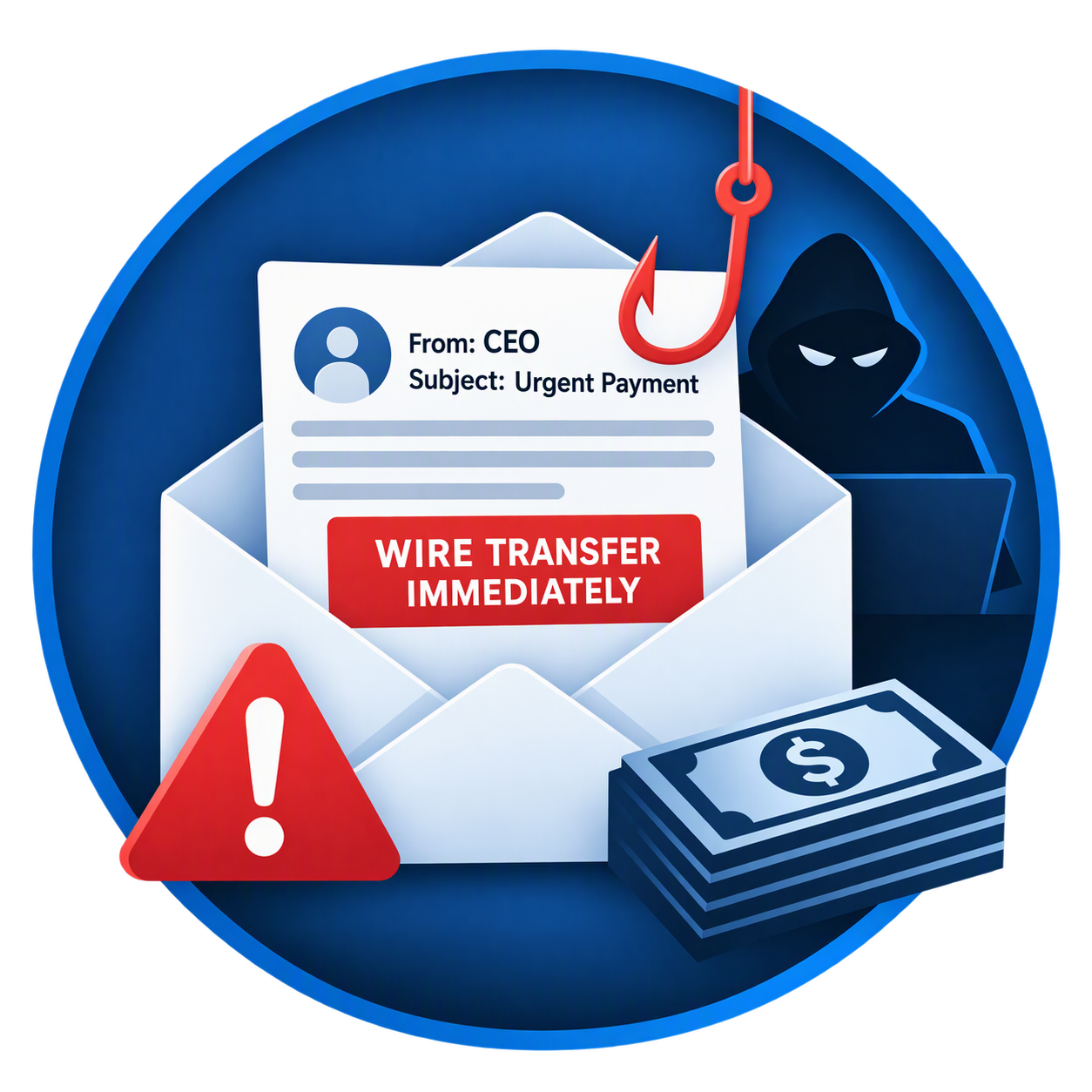
Business Email Compromise: The $50,000 Mistake Many Small Businesses Make
One Email. One Mistake. Thousands of Dollars Gone.
Most business owners worry about ransomware, hackers, and viruses. However, one of the fastest-growing cyber threats doesn't involve sophisticated malware or complicated hacking techniques.
It's called Business Email Compromise (BEC), and it has become one of the most costly forms of cybercrime affecting businesses of all sizes.
Unlike traditional cyberattacks, Business Email Compromise relies on something much simpler: trust.
A single fraudulent email can convince an employee to send money to a criminal's bank account, often resulting in losses ranging from a few thousand dollars to more than $50,000 before anyone realizes what happened.
What Is Business Email Compromise?
Business Email Compromise occurs when cybercriminals impersonate a trusted person or organization through email.
Their goal is typically to:
Steal money
Redirect vendor payments
Obtain sensitive information
Gain access to business accounts
Manipulate employees into taking unauthorized actions
These emails often look completely legitimate, making them difficult to identify without proper security controls and employee training.
A Common $50,000 Scenario
Imagine your office receives an email from a vendor you've worked with for years.
The message states:
"We've recently changed banks. Please update our payment records before issuing your next payment."
The email includes:
The correct vendor name
An accurate invoice amount
Professional formatting
Familiar language
A realistic email signature
Everything looks normal.
A member of your accounting team updates the payment information and sends a $50,000 payment.
Weeks later, the real vendor calls asking why they haven't been paid.
Unfortunately, the money was sent directly to a criminal's account and may be impossible to recover.
Why These Attacks Work
Business Email Compromise attacks are effective because they target people rather than technology.
Cybercriminals routinely gather information from:
Company websites
Social media profiles
LinkedIn
Public records
Vendor listings
Attackers use this information to craft highly convincing emails that appear authentic.
Unlike traditional phishing attacks, many BEC emails contain:
No suspicious links
No malware
No attachments
No obvious warning signs
This allows them to bypass many traditional security controls.
Warning Signs Every Employee Should Know
Unexpected Banking Changes
Treat any request to modify payment instructions as suspicious.
Always verify:
New bank account numbers
Updated routing information
Requests for wire transfers
through a known phone number or secondary communication method.
Urgent Requests
Criminals frequently create artificial urgency.
Examples include:
"Please process immediately."
"This needs to be paid today."
"I need this handled before noon."
Urgency is designed to prevent verification.
Slightly Altered Email Addresses
Look carefully at the sender's address.
For example:
Legitimate
accounting@vendorcompany.com
Fraudulent
accounting@vendorcornpany.com
The difference may be only a single character.
Requests Outside Normal Procedures
Be cautious when:
An executive requests secrecy
A vendor changes payment instructions unexpectedly
A wire transfer request seems unusual
A financial request bypasses established procedures
Businesses Most Frequently Targeted
Although any organization can become a victim, attackers frequently target:
Real estate firms
Construction companies
Insurance agencies
Law firms
Manufacturing companies
Medical offices
Property management companies
Small businesses
Any organization that regularly sends invoices or processes electronic payments is a potential target.
The Hidden Costs of Business Email Compromise
The financial loss often extends beyond the initial theft.
Businesses may also face:
Lost productivity
Investigation costs
Legal expenses
Insurance claims
Reputation damage
Compliance issues
Customer trust concerns
In many cases, the total impact far exceeds the original fraudulent payment.
How Microsoft 365 Can Help Protect Your Business
Many small businesses already use Microsoft 365 but fail to take advantage of the security tools included with their subscription.
When properly configured, Microsoft 365 Business Premium provides protection against:
Phishing attacks
Account compromise
Email spoofing
Malicious links
Suspicious login activity
Multi-Factor Authentication (MFA)
MFA requires users to verify their identity through a second factor in addition to a password.
Even if a password is stolen, unauthorized access becomes significantly more difficult.
Microsoft Defender for Business
Microsoft Defender helps identify and respond to suspicious activity before it becomes a major security incident.
Advanced Email Protection
Modern email security tools analyze:
Sender authenticity
Suspicious links
Dangerous attachments
Impersonation attempts
before they reach employee inboxes.
Five Steps to Reduce Your Risk Today
1. Enable Multi-Factor Authentication
Every employee should use MFA, especially anyone with access to financial systems.
2. Verify Payment Changes by Phone
Never rely solely on email to approve:
Wire transfers
Account changes
New payment instructions
Always verify using a trusted phone number.
3. Implement Employee Security Training
Employees should understand:
Phishing tactics
Social engineering
Vendor fraud
Business Email Compromise schemes
4. Secure Microsoft 365 Properly
Many businesses have security features available but never enable them.
A professional security review can identify dangerous gaps before criminals do.
5. Require Dual Approval for Large Payments
Simple approval policies can stop fraudulent transactions before funds leave your account.
Local Businesses Are Not Immune
Businesses throughout Conroe, Montgomery, Willis, The Woodlands, and the Lake Conroe area experience the same cybersecurity threats as large corporations.
Cybercriminals increasingly target small businesses because they often have:
Limited IT resources
Fewer security controls
Smaller cybersecurity budgets
Informal financial procedures
Unfortunately, attackers know this.
The Bottom Line
Business Email Compromise is one of the most expensive cyber threats facing small businesses today.
A single email can lead to a costly financial loss, but the right combination of employee training, email security, Microsoft 365 protection, and financial controls can dramatically reduce your risk.
The best defense is being proactive before an attack occurs.
Is Your Email Security Strong Enough?
Lake Conroe Managed Services helps businesses throughout Montgomery County secure Microsoft 365, deploy Multi-Factor Authentication, strengthen email security, and reduce the risk of Business Email Compromise.
Schedule a Free Microsoft 365 Security Assessment
We'll help you:
✅ Review email security settings
✅ Verify MFA deployment
✅ Assess phishing protection
✅ Identify cybersecurity gaps
✅ Improve business security posture
Contact Lake Conroe Managed Services today to schedule your complimentary assessment.