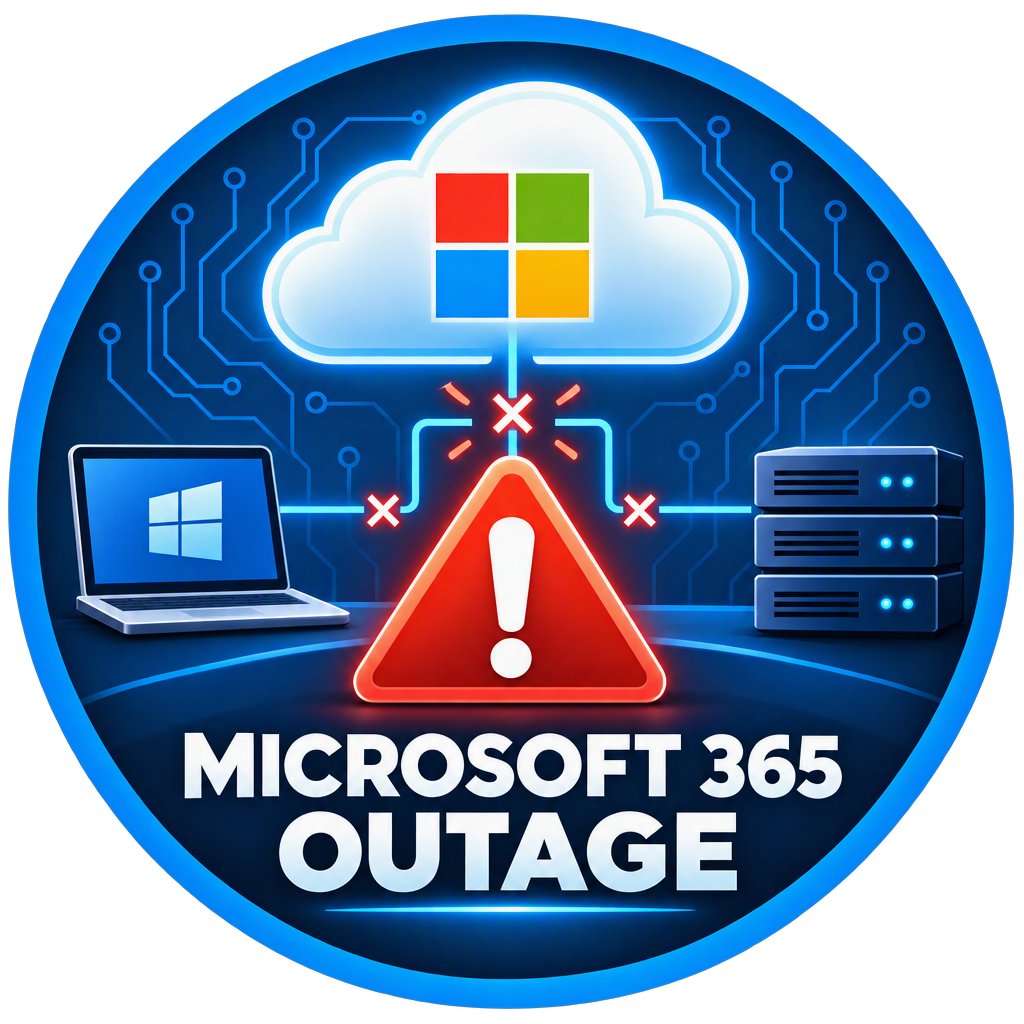
Microsoft 365 Outage: Lessons Every Business Can Learn
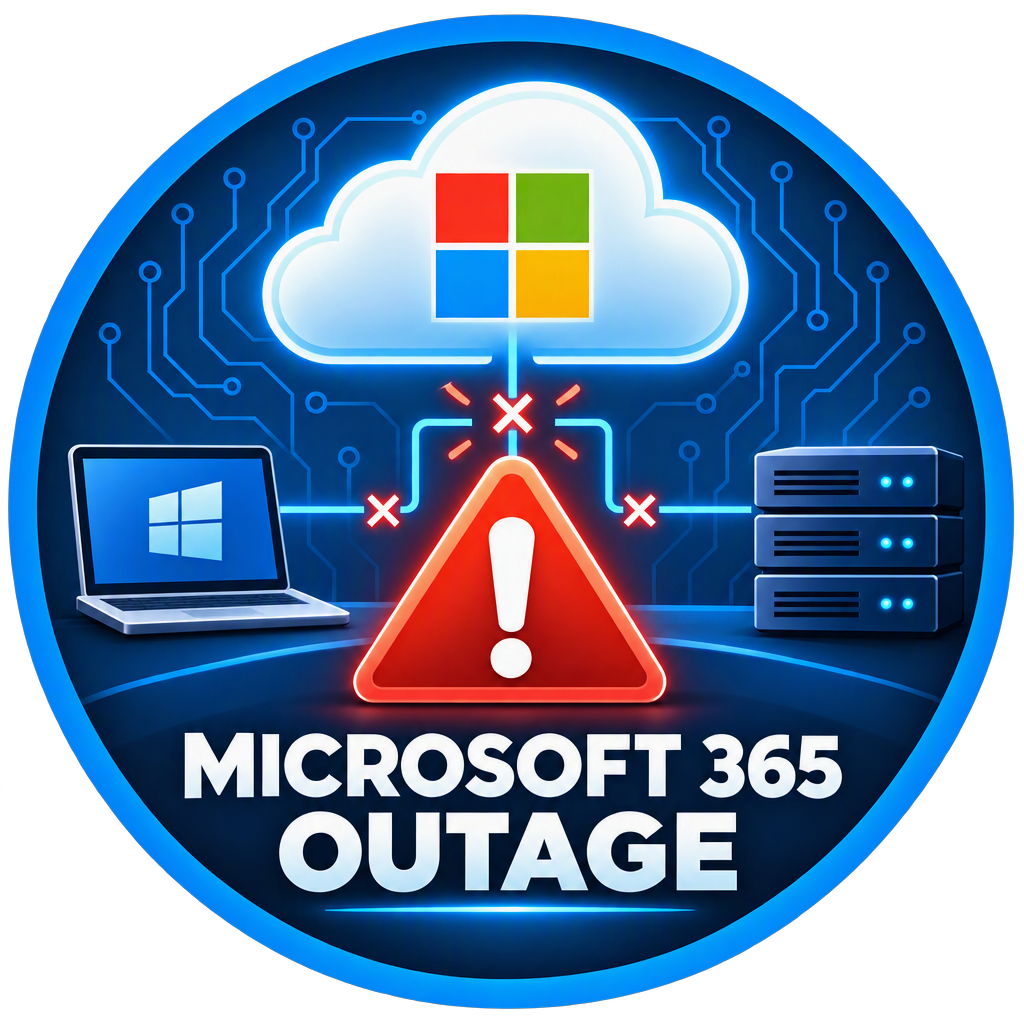
What Happened?
In mid-November 2026, organizations around the world experienced a significant disruption affecting multiple Microsoft 365 services, including Outlook, Exchange Online, Teams, SharePoint, Intune, and Microsoft Copilot. The outage lasted more than 24 hours for some users and impacted businesses, healthcare providers, government agencies, schools, and financial institutions worldwide. [digitaltrends.com], [moneycontrol.com], [abcnews.com]
Microsoft later reported that the outage was not caused by a cyberattack. Instead, a combination of a previously undiscovered software defect, increased traffic demands, and reduced server capacity created a cascading failure within Microsoft's cloud infrastructure. [moneycontrol.com], [abcnews.com], [en.wikipedia.org]
For many businesses, the result was familiar:
Emails weren't arriving.
Calendars stopped synchronizing.
Teams meetings could not be scheduled.
SharePoint access became unreliable.
Employees were unable to collaborate normally.
Even the Biggest Cloud Providers Have Outages
One of the biggest misconceptions about cloud services is that they are immune to downtime.
Microsoft invests billions of dollars annually in infrastructure, redundancy, cybersecurity, and reliability. Yet this outage demonstrates a reality every business owner should understand:
No system is 100% available 100% of the time.
Whether you're using:
Microsoft 365
Google Workspace
Amazon Web Services (AWS)
Dropbox
Salesforce
service interruptions can and do occur.
The question isn't whether an outage is possible. The question is whether your business is prepared when one happens.
How the Outage Affected Small Businesses
Many small businesses rely almost entirely on Microsoft 365.
When Outlook, Teams, and SharePoint become unavailable, daily operations can quickly grind to a halt.
Common issues include:
Communication Delays
Without email access:
Customers cannot reach your team
Vendors cannot send invoices
Internal communication slows down
Missed Meetings
Calendar synchronization issues can result in:
Missed appointments
Delayed projects
Scheduling confusion
File Access Problems
Organizations using SharePoint and OneDrive may be unable to access important documents when cloud services are disrupted.
Productivity Loss
Employees often spend valuable time trying to troubleshoot issues that are actually outside their control.
What Businesses Should Learn From This Event
1. Have Multiple Ways to Communicate
Many businesses discovered they were relying solely on Microsoft Teams and Outlook.
Consider maintaining backup communication methods such as:
Mobile phones
Text messaging
Alternative email addresses
Emergency contact lists
When one platform fails, business should continue.
2. Keep Local Copies of Critical Files
Cloud storage is excellent, but critical operational documents should be available even during an internet or cloud outage.
Examples include:
Vendor contact lists
Banking information
Emergency procedures
Client records
Operational forms
Properly configured OneDrive synchronization can provide local access when internet-based services experience problems.
3. Maintain Good Documentation
Many businesses struggled because employees didn't know:
Important phone numbers
Vendor contacts
Backup procedures
Alternative workflows
Documentation is often overlooked until an outage occurs.
4. Test Business Continuity Plans
Most organizations have never practiced operating without email or cloud services.
Ask yourself:
How would your company operate without Outlook for a day?
Could your employees continue working?
Do you have alternative communication methods?
If the answer is "I'm not sure," now is the time to develop a plan.
5. Understand Shared Responsibility
Microsoft is responsible for maintaining Microsoft's cloud infrastructure.
However, businesses remain responsible for:
Data protection
Security policies
User management
Business continuity planning
Employee training
A cloud subscription does not eliminate the need for planning.
The Value of a Technology Partner
When major outages occur, businesses often need guidance to determine:
Is the issue local or widespread?
Is Microsoft affected?
Are there workarounds available?
Is data at risk?
What should employees do?
A trusted IT partner can help separate platform-wide issues from local technology problems and provide practical guidance during service disruptions.
What Lake Conroe Managed Services Recommends
In response to events like the recent Microsoft outage, businesses should consider:
✅ Multi-Factor Authentication (MFA)
✅ Proper Microsoft 365 configuration
✅ OneDrive synchronization for critical files
✅ Documented business continuity procedures
✅ Local copies of essential records
✅ Employee security awareness training
✅ Backup communication methods
✅ Regular technology reviews
These simple steps can significantly reduce the impact of future service disruptions.
The Bottom Line
The recent Microsoft 365 outage served as an important reminder that even the world's largest technology providers occasionally experience service disruptions. While Microsoft successfully restored services and found no evidence of a cyberattack, the event highlighted how dependent modern businesses have become on cloud-based tools. [digitaltrends.com], [moneycontrol.com], [abcnews.com]
Businesses that prepare for occasional outages are far better positioned to remain productive, serve customers, and minimize downtime when unexpected disruptions occur.
Need Help Strengthening Your Microsoft 365 Environment?
Lake Conroe Managed Services helps businesses throughout Conroe, Montgomery, Willis, The Woodlands, and Montgomery County optimize Microsoft 365, improve cybersecurity, implement backup strategies, and develop business continuity plans.
Schedule a Free Technology Assessment
We'll help you:
✅ Review Microsoft 365 Configuration
✅ Verify OneDrive Synchronization
✅ Evaluate Security Settings
✅ Improve Business Continuity Planning
✅ Identify Technology Risks Before They Become Problems
Contact Lake Conroe Managed Services today to schedule your complimentary assessment.